


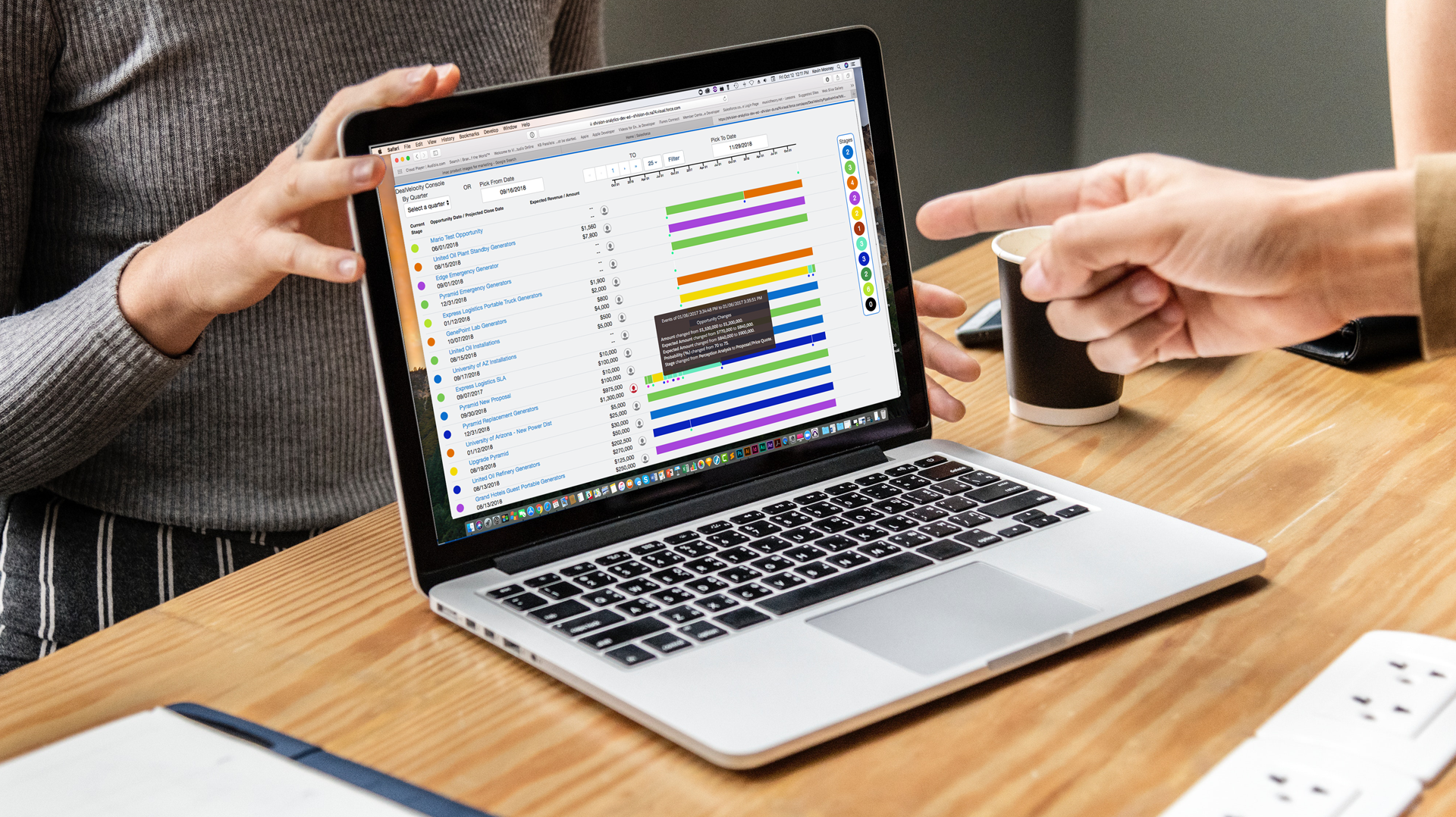




Real Time Sales Review
Puts all critical sales data up front with easy access to Opportunities, Stage History, Events and Activities in timeline context.
Sales Global view
All your sales opportunities displayed in a timeline where relative DealVelocity is easily seen.
Sales Stage Management
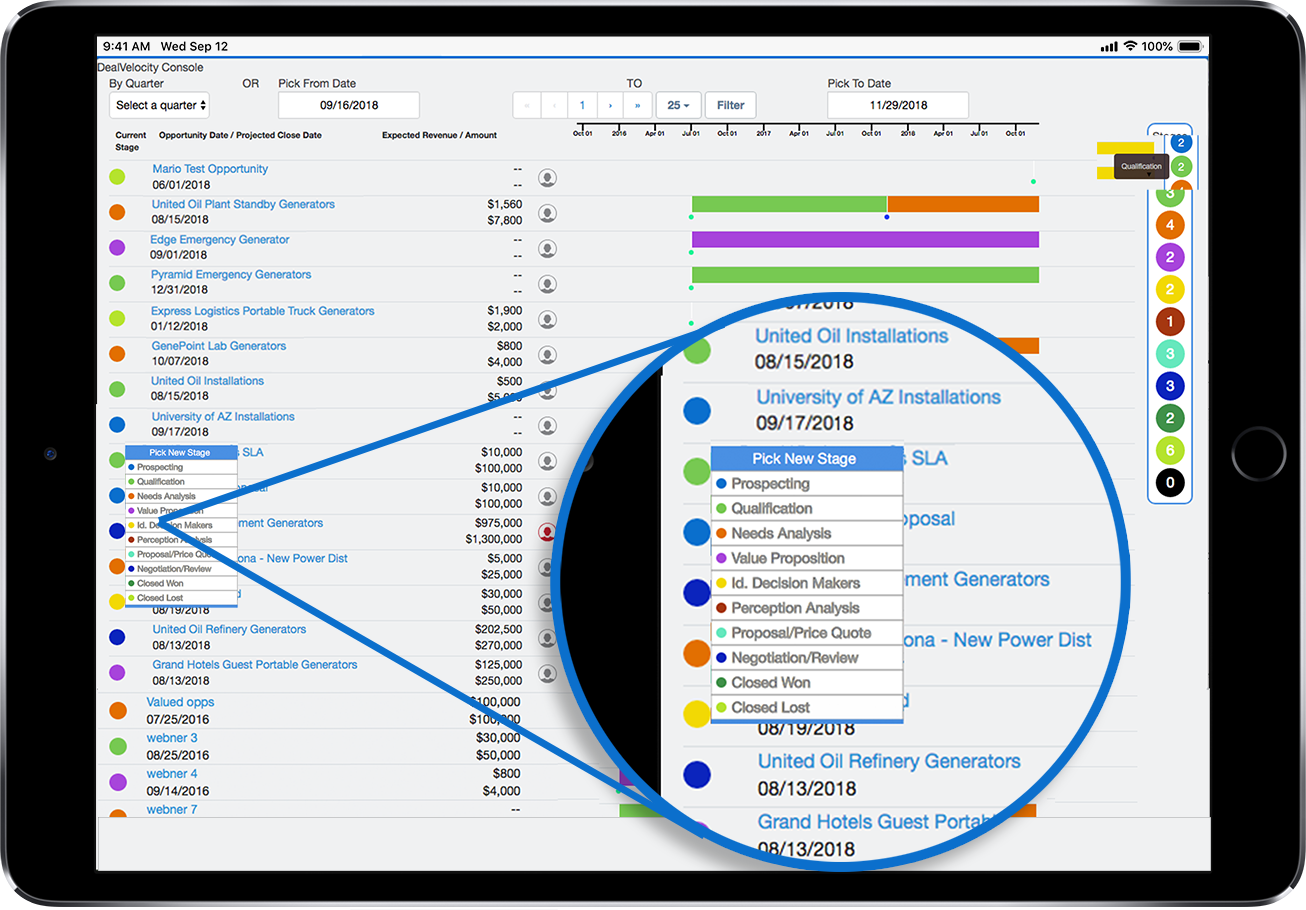
Easily work within the DealVelocity console to update stage changes as needed.
Sales Activities in Context
Activities and events related to the opportunity are shown on the timeline.
Sticky Filtering
Filter and view parameters are remembered so you are able to quickly return the the DealVelocity console view you choose.
Your Real Time Sales Review
Quickly make smart sales decisions with a new and real-time visualization of all the opportunities in your pipeline.
DealVelocity, built for Salesforce, is a real time, sales analytics app that provides a comprehensive view of the entire sales process, activities and events.
It instantly shows the current status of all sales opportunity providing information about the “speed of the deal” (time spent in all the deal stages), the “quality of the deal” (propensity to close), the players, and other critical sales indicators.
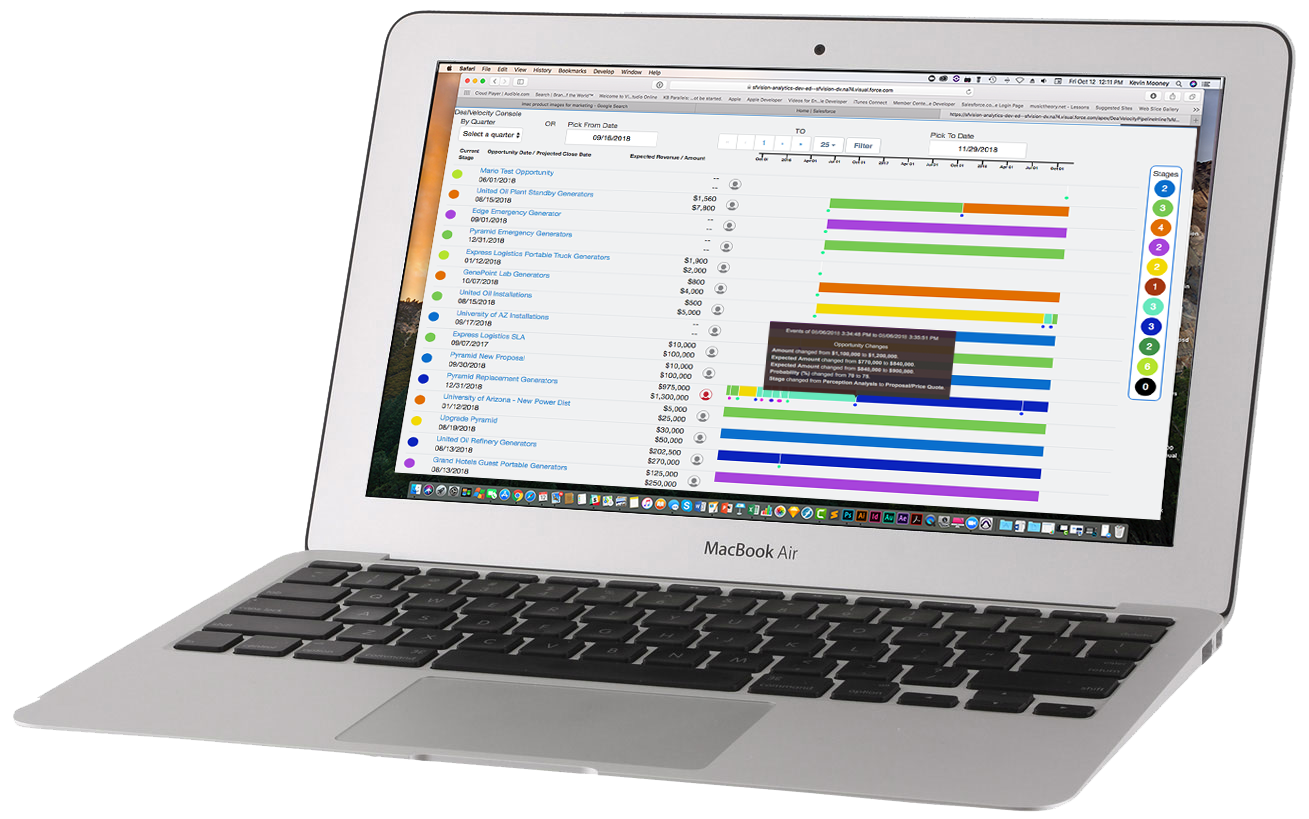
Sales Global View
Have a global and detailed look of all opportunity stages.
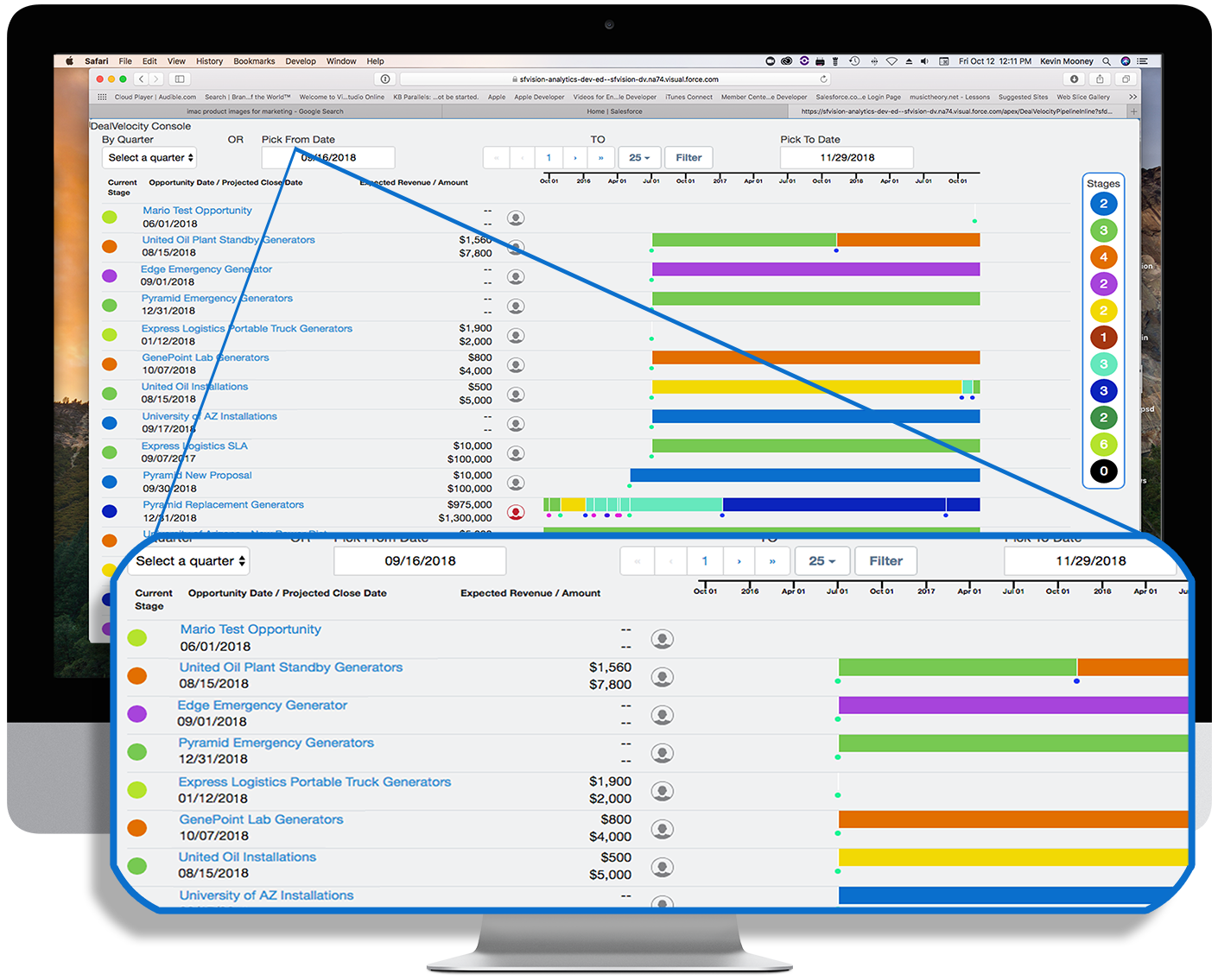
See in "Real-Time" all the opportunities laid out in a timeline with, opportunity amounts, stage history with "time-at-stage" and all associated activities.
Sales Stage Management
Easily manage all sales opportunity stages.
All your opportunity stages can be easily managed from within this console view. Hover over a stage dot and see the current stage definition. A simple click on the stage dot opens the stage selector where you can select the new stage for this opportunity.
Opportunities display in the sort order you prefer. Sort settings are sticky so that whenever you return to a previous view, your settings persist until you change them.
Sales Activities in Context
Have a complete understanding of all the events that influence your opportunities.
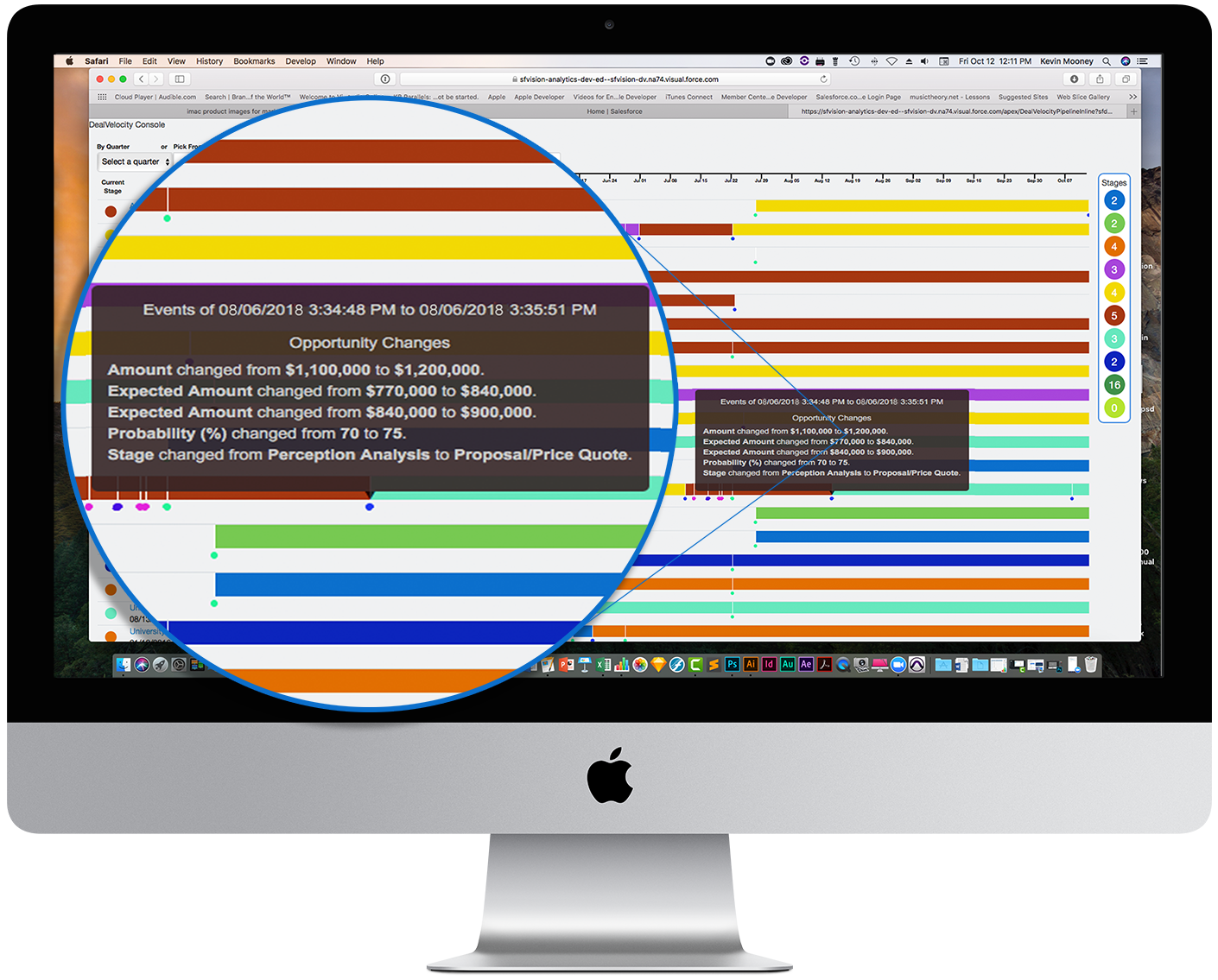
Activities and events are shown as interruption lines and dots along the stage timeline. Hover over an event dot to reveal details, such as "New Contact Role", "Stage Change", "Call Logged", "Note Saved", and even field changes within the opportunity record, like a changed close date or contract amount.
The activity and event spacing allow you to quickly see the acceleration or slowing of the activities of an opportunity's DealVelocotyTM.
Sticky Filtering
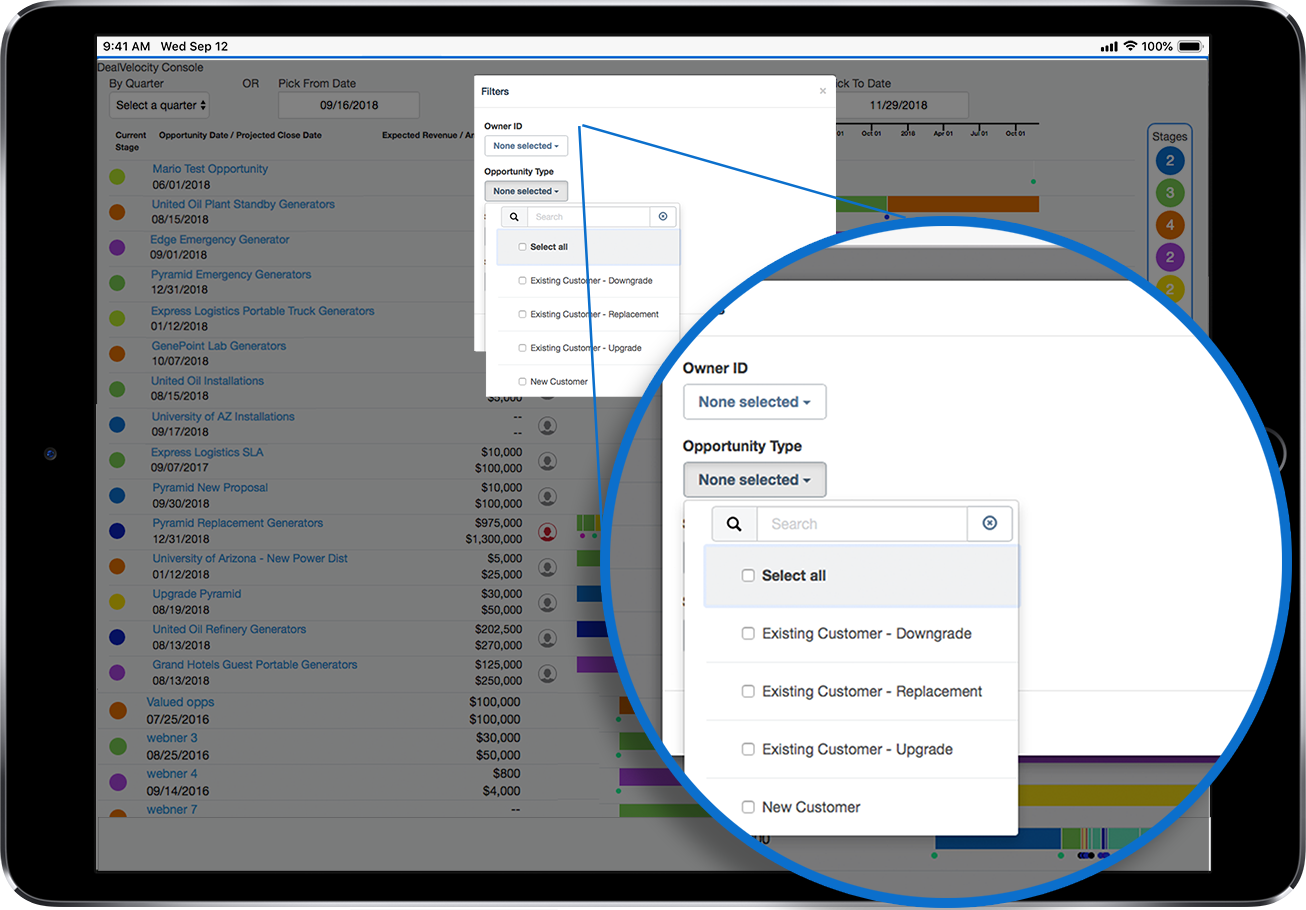
Filter settings are persistent until changed by you
Save time when using the DealVelocity console because filters you set including date ranges, account owner, type of account, etc "Stick" from session to session. So each time you come back to the console your settings stay where you left them.
All filter setting move with you from device to device
New for Release 1.7 Real-time Coaching
Leveraging Salesforce Chatter - you can now advise team right within the Console
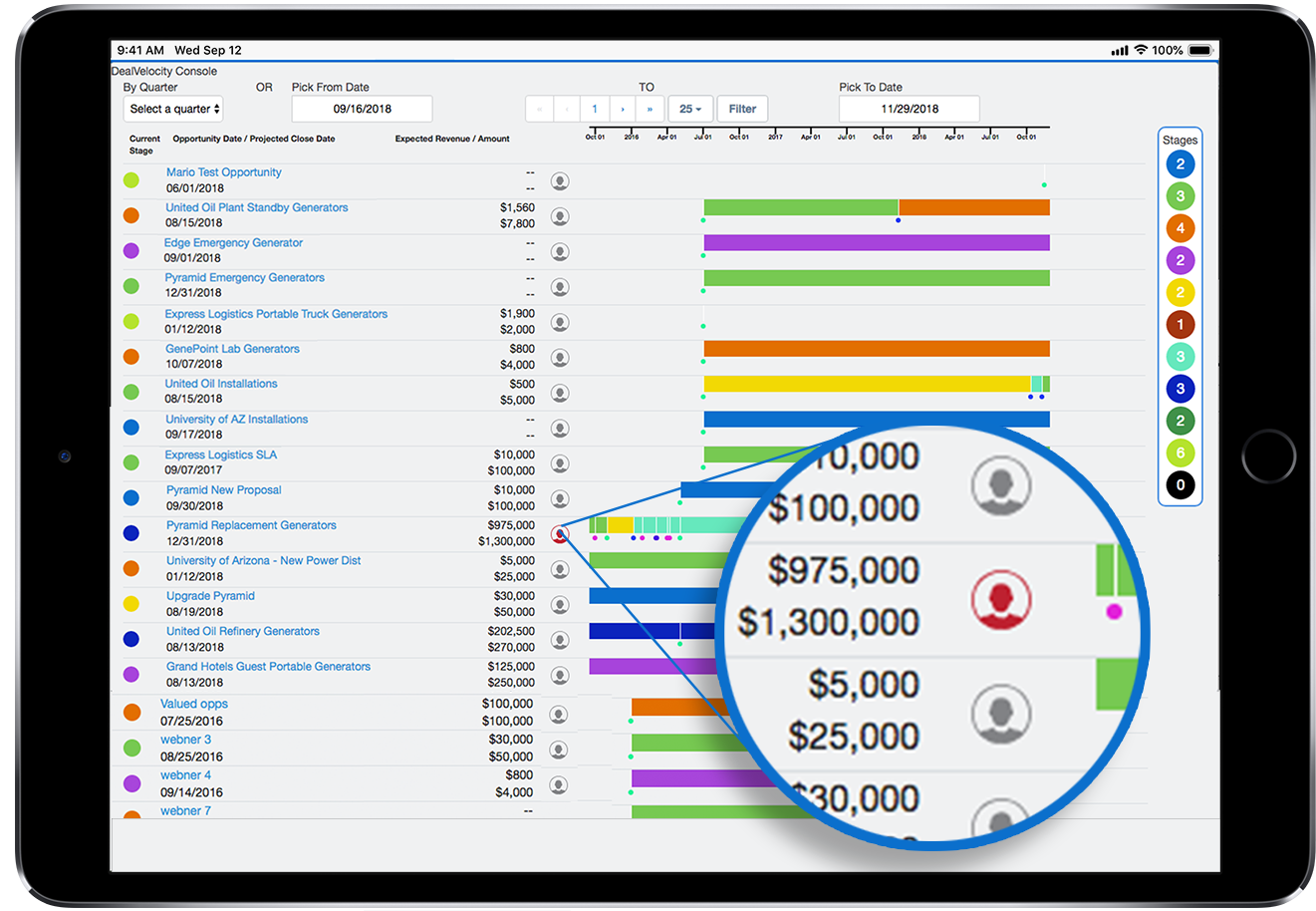
The new Real-Tim coaching allow the team to see and make Chatter type communication notes, messages, and account advice focused on the team and the opportunity. We have added a coaching priority setting so positive or urgent notes can quickly be identified based on the color of the coaching icon right in the DealVelocotyTM. console.
SFVision Blog
The Importance of Timely Sales Data Visualizations on Salesforce
In today’s agile business environments we tend to find ourselves blessed with more and timely sales data than ever before. Where are […]
Sales Communications In Context: Key to a Successful Close
Through the decades of business, keeping lines of communication open has always been essential. Everything from fast runners, to fast riders, to […]
Transforming Sale Productivity by Seeing Business Velocity
Salesforce Sales Cloud has been widely deployed but the vast amount of data can obscure urgent needs. Salesforce Sales Cloud was originally […]